
Game Developer (2017)
About Lift VR
Lift VR invites players into a captivating, virtual reality experience where they step into the role of a lone elevator operator. Using only hand gestures and basic elevator operations, players are free to befriend or antagonize the various guests of the West Wing Hotel. Launched in mid-2017 by a small team of game developers, 3D artists, audio programmers and producers, Lift VR delivers an immersive experience for HTC Vive users utilizing Unity and C#.
Inside the Elevator
Since the game takes place entirely in an elevator, it was important to ensure there was plenty to do inside to keep players engaged as well as give the impression of a moving elevator for an immersive experience.
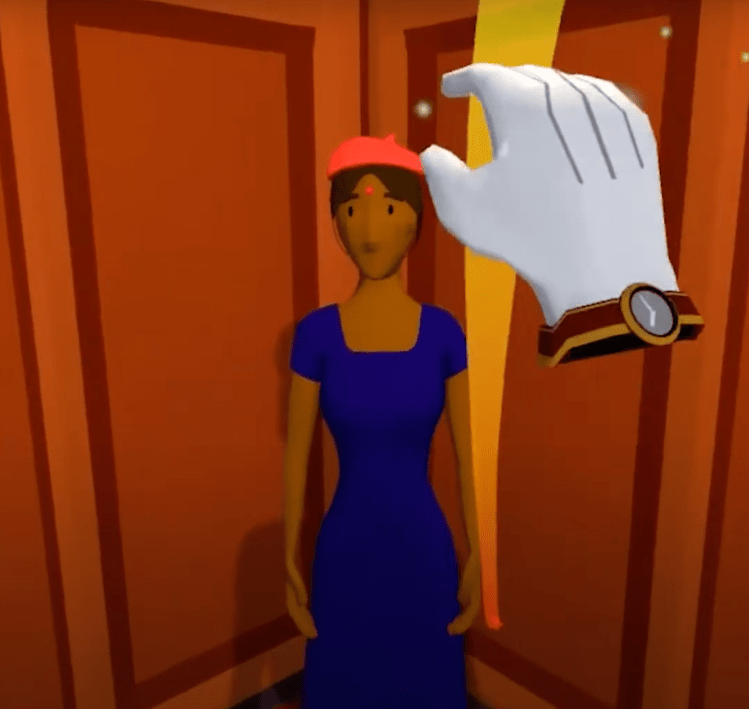
The first challenge with designing an elevator simulator was determining what players could actually do inside it. One proposed idea was to implement levers and other mechanisms. While this gave players actions they could perform, there still wasn’t a motivational force to encourage players to interact with the mechanisms. To both address this issue and add more potential actions, the decision was made to have actual guests enter the elevator with requests to get to their designated floor. This ensured there was a reoccurring goal for players while still giving them full agency of their actions. To add a little more engagement, we also incorporated interactable objects (ex. hat and nametag). I was responsible for programming the physics and spawning of these interactable objects.
The other key challenge was figuring out how to implement “elevator movement” in a stationary VR experience. Since we couldn’t physically move the elevator, the next best choice was to give the impression of movement by incorporating well timed sound effects and dials (as showcased @ 0:42 – 1:12 in the video). Additionally, each floor opens up to a differently designed room to further strengthen this impression. I specifically was tasked with floor management and dial physics.
Since players come in various shapes and sizes, one last challenge that popped up during development was elevator space. Common feedback included objects being too high or feeling cramped. During my playtest sessions, I’d collect these feedbacks and used them to tune the elevator dimensions and placement of mechanisms to accommodate players.

The Guests
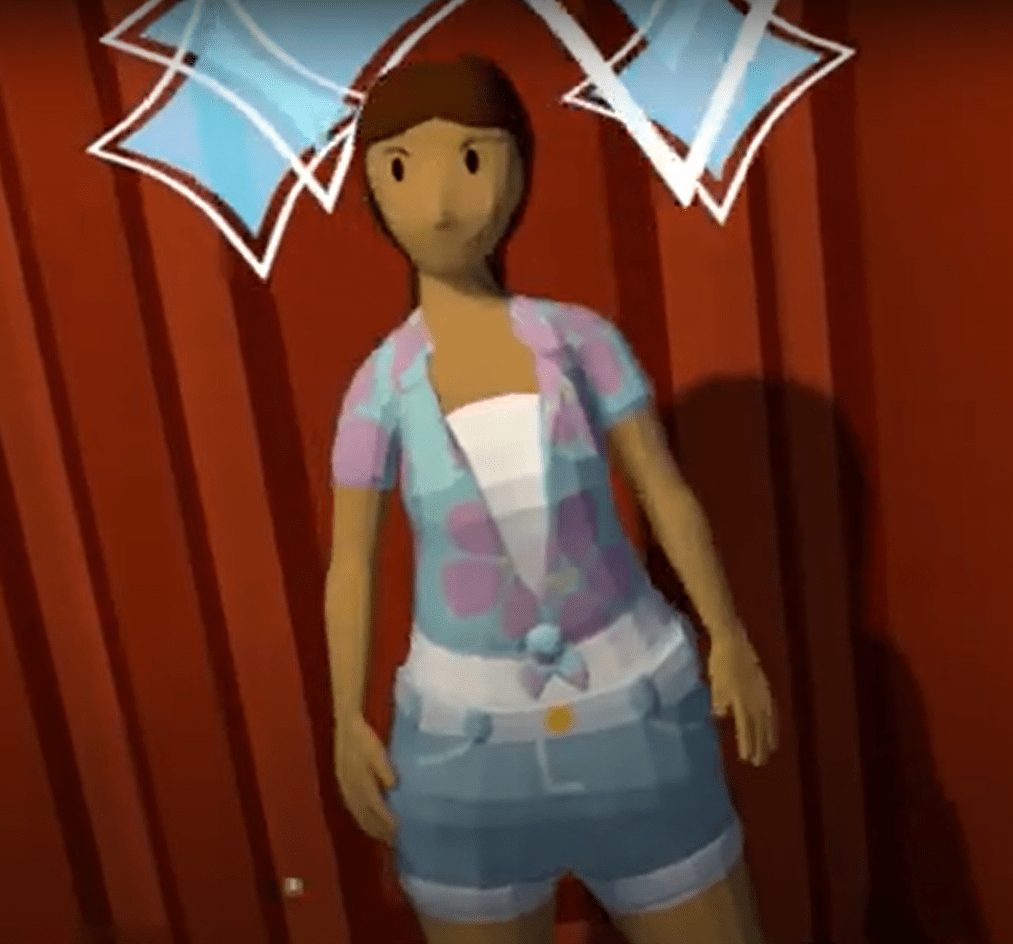
By taking on the role of the elevator operator, players have the freedom to interact with the guests however they’d like. This idea proved early on to be the main source of engagement as players were curious to see how the guests would respond and how far they could push their boundaries.
To accommodate the popular feature, I programmed simple AI behavior trees to ensure the appropriate response for any given player action. For the sake of simplicity, the guests had a mood scale that changed depending on gesture or elevator operations used. This system encouraged the team to assign positive and negative scores to the various actions players could perform. While some gestures varied by circumstance, the “salute” and “rude” gestures were specifically designed to raise and lower the guest’s mood respectively. Taking a guest to their desired floor would give a positive score based on how long it took. Meanwhile, inactivity, stalling or taking a guest to the wrong floor would result in a negative score.
Because the behavior system was simple, it was quick and safe to add and remove player actions with scores. This also led to natural NPC behaviors and moods that were easy to preserve and carry over during the course of multiple interactions.

Gesture Recognition
One of my primary responsibilities was incorporating and tuning the gestures that guests would react to as a means to both give players more direct interactions with said guests and to make full use of the HTC Vive controllers. To help with the process, I used VR Infinite Gesture.
When it came to gestures, the main issue was figuring out how to incorporate an unfamiliar and unintuitive concept to players. To combat this unfavorable combination, I made sure to host playtest sessions throughout various points of development to more accurately fine tune this concept. The team and I also included a tutorial section on gestures to better introduce them (@ 2:35 – 3:30 in the video) and a cheat sheet (@ 4:10 – 4:21 in the video) to remind players of their possibilities.
To break this issue down into smaller problems, my first step was to implement simple “yes” and “no” responses (the easiest and most common responses). Since head nodding and shaking are common and intuitive ways of communicating these responses, I used vertical and horizontal motions respectively as a starting point. This first implementation proved to be intuitive and easy enough for most of our players to remember.
I then used this same method to develop “continue” (circular hand motion) and “I don’t know” (raising open hands). Adding additional gestures beyond this point proved difficult as the growing list of gestures was difficult for most players to remember and functionalities started overlapping. Thus the decision was made to limit the number of gestures and choose gestures based on intuitiveness, ease of use and purpose. After various sessions and feedback from playtesting events, I was able to narrow down the list and finalize the motions of all the selected gestures.
Additional Content

 Juan Rosales